A wedding day has a hundred moving parts and one thing holding them together: the timeline. When it's clear, the caterer, the florist, the DJ, and your team all move like they rehearsed it. When it's fuzzy, the photographer misses the first look, dinner runs late, and your coordinator spends the reception putting out fires instead of running the room.
May is when this stops being theory. Weddings are happening now, and the venues that execute cleanly are the ones working from a real schedule instead of a vague plan and a group chat. This is an hour-by-hour wedding venue day-of timeline template you can adapt to your space, and you can download an editable version to make it yours.
Why the day-of timeline is a venue's most important document
The couple sees the timeline as the flow of their day. You should see it as the operations plan for a small, one-time event with vendors who've never worked together, guests who don't know the rules, and no second take. It answers the three questions that cause most day-of chaos: who does what, when, and where.
A good timeline does a few specific things. It gives every vendor a clear arrival window, so nobody shows up during the ceremony. It builds in buffer time, so one late hair appointment doesn't collapse the whole afternoon. And it names a point person for each phase, so when a question comes up, someone owns the answer.
A sample wedding day-of timeline
Treat this as a starting framework for a classic evening wedding. Your times will shift with your space, ceremony length, and whether you host one wedding or several. The point is the structure and the buffers, not the exact clock.
Morning: setup and preparation
- 9:00 AM: Venue team arrives, unlocks, final walkthrough of both ceremony and reception spaces.
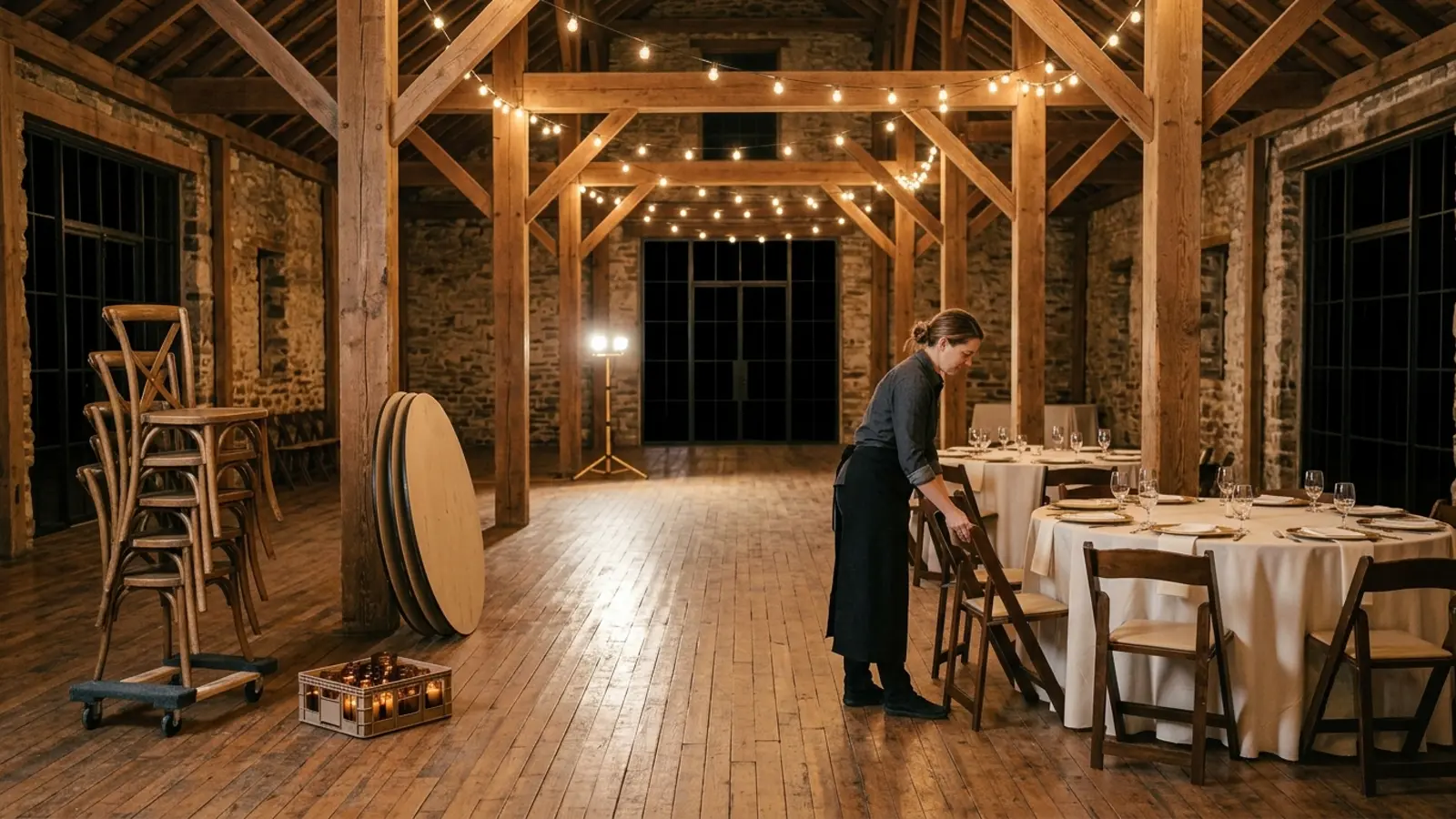
- 10:00 AM: Rentals and larger deliveries arrive (tables, chairs, linens). Setup begins.
- 11:00 AM: Florist and decor arrive and begin installation.
- 12:00 PM: Wedding party begins hair and makeup (often off-site or in the suite).
Early afternoon: vendors and details
- 1:00 PM: Caterer arrives, kitchen setup begins.
- 1:30 PM: Photographer and videographer arrive, capture details and getting-ready.
- 2:30 PM: DJ or band arrives, sound check.
- 3:00 PM: Final decor and place settings complete. Venue team does a walkthrough against the plan.
- 3:30 PM: First look and wedding-party photos (buffer built in before guests arrive).
Late afternoon: ceremony
- 4:00 PM: Ushers in position, doors open, guests begin arriving.
- 4:30 PM: Ceremony begins.
- 5:00 PM: Ceremony ends. Guests move to cocktail hour.
Evening: cocktails, dinner, celebration
- 5:00 PM: Cocktail hour. Venue team resets the ceremony space or opens the reception room.
- 6:00 PM: Grand entrance, guests seated.
- 6:15 PM: First dance, welcome toast.
- 6:30 PM: Dinner service.
- 7:30 PM: Toasts, parent dances, cake.
- 8:00 PM: Dance floor opens.
- 9:45 PM: Last call, final song.
- 10:00 PM: Send-off. Guests depart.
Night: breakdown
- 10:00 PM: Vendor breakdown begins.
- 11:00 PM: Cleanup, venue reset, final walkthrough and lockup.
The parts of the timeline venues get wrong
A template gets you most of the way. A few habits get you the rest.
Build real buffers. The single most common mistake is scheduling to the minute. Hair runs long, traffic happens, a family photo takes three extra tries. Fifteen or twenty minutes of slack before the ceremony and before dinner absorbs the small delays that would otherwise cascade.
Give vendors arrival windows, not just a start time. "Setup by 3:00" is different from "arrive between 1:00 and 1:30." Windows prevent the traffic jam of five vendors trying to load in through one door at once.
Name a point person for each phase. Someone owns setup, someone owns the ceremony transition, someone owns the reception. When a vendor has a question at 6:15, they should know exactly who to find.
Plan the contingency. What happens if it rains? If the couple runs late? If a vendor no-shows? The timeline should reference the backup, so the decision is already made and not improvised in the moment.
Get the free day-of timeline template
We turned this framework into an editable template you can adapt per wedding, share with vendors, and hand to your coordinator. Download the free wedding day-of timeline template and make it your venue's standard.
From a static timeline to a live one
A printed timeline is a great plan. The problem is that a wedding day doesn't stay on plan, and a piece of paper can't tell you the caterer is running twenty minutes behind or that the ceremony started late. That's where a static schedule falls short, and it's exactly what Pulse Mode in CeremonySync is built for.
Instead of a document that's already out of date by 5 PM, Pulse Mode gives your team a live command center for the wedding day: the timeline, vendor arrivals, and team assignments in one view that everyone sees in real time. When something shifts, the whole team sees the shift, so a coordinator can adjust the evening instead of discovering the problem when dinner's already late. The timeline template gets you organized; running the day live is how you actually pull it off.
Frequently asked questions
What should a wedding day-of timeline include? Vendor arrival windows, setup and breakdown times, the ceremony and reception schedule, key moments (first look, grand entrance, toasts, cake, last dance), and a named point person for each phase. Build in buffer time before high-pressure moments like the ceremony and dinner.
How much buffer time should a day-of timeline have? As a rule of thumb, add fifteen to twenty minutes of slack before the ceremony and before dinner service. Those are the two points where small delays earlier in the day tend to pile up, and a little cushion keeps one late start from pushing the whole evening back.
Who is responsible for the day-of timeline at a venue? The venue coordinator usually owns execution of the timeline, often built in partnership with the couple or their planner. The venue provides the operational structure (arrival windows, space transitions, breakdown) while the couple's team shapes the flow of their day.
The bottom line
A wedding day is unforgiving, and the timeline is your best tool for making it look effortless. Start from a solid template, build in real buffers, give every vendor a window and every phase an owner, and plan for the day not going perfectly to plan.
Download the free day-of timeline template to standardize your process, and see how Pulse Mode turns that timeline into a live, coordinated wedding day.